
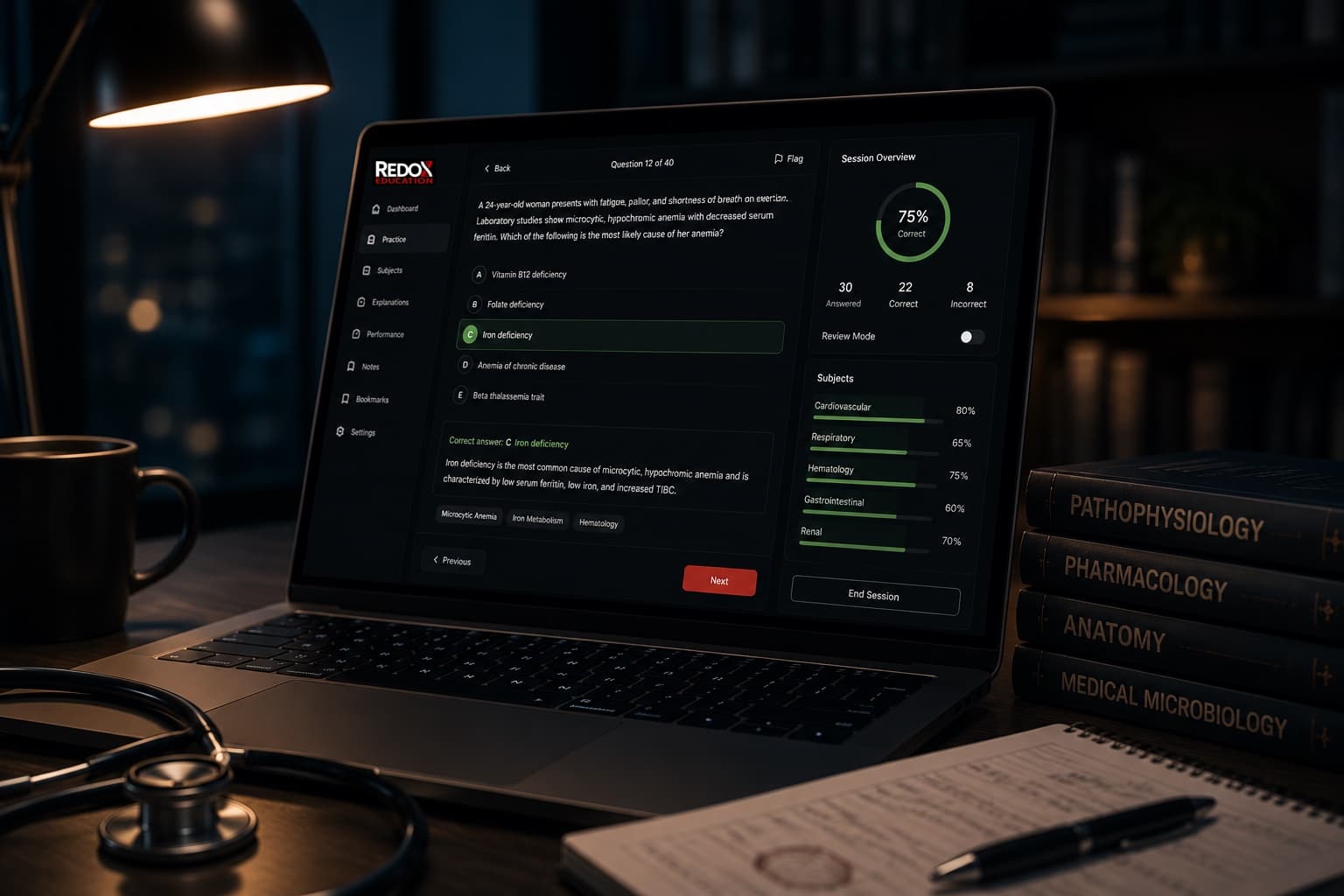
Practice. Review. Master.
A connected question bank and review system — practice questions, rapid review, and progress tracking that work together, so every study session builds on the last.
See the QBank in action
This is the same clinical-vignette format and workflow you'll see inside the product — pick an answer on Practice, or switch tabs to see how the rest of the loop connects.
 QBank
QBankTry a sample question
A patient presents with muscle weakness, hypertension, and low renin. Choose the best mechanism.
Learning that moves
Rapid Review isn't static flashcards. Every strip below is animating live — tap any rhythm to open the read-it-fast breakdown and the one teaching point that makes it stick.

ECG Rhythm Recognition
12 rhythms, running live · tap any to open
Tap a rhythm to see it big, with what to look for →
What's inside
- Practice
- Guided questions turn passive review into clinical reasoning with confidence, explanation, and rescue actions.
- Rapid Review
- Active recall cards reinforce the concepts students just missed or need to keep warm.
- Learning Library
- Notes, decks, images, links, and review Q/A stay connected to curriculum and concepts.
- Progress Analytics
- Progress signals show what is improving and where the next study loop should begin.
- Content Studio
- Faculty author questions, cards, teaching notes, media, and assets in a structured publishing workflow.
Explore the full platform
Walk through the student, faculty, or institution experience before you create an account.
QBank
Common QBank questions
Two of the questions we're asked most about the learning platform.
What's included in the QBank?
Practice questions, Rapid Review active-recall cards, a Learning Library, and progress analytics — connected so each study session builds on the last.
Can I try it before signing up?
Yes. The interactive preview on this page uses the same clinical-vignette format as the product, and a full demo is available without creating an account.